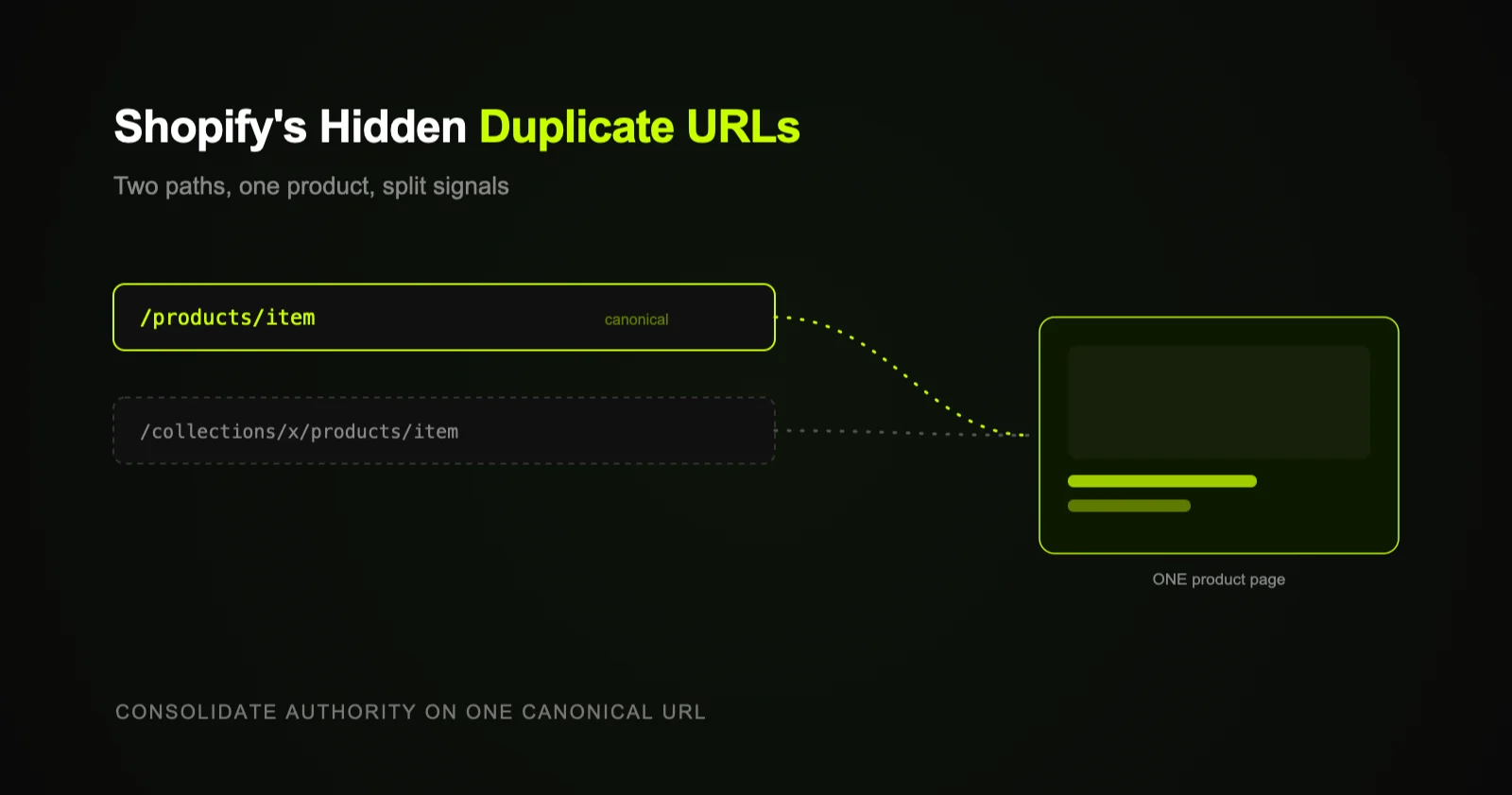
Shopify can serve the same product at two URLs — /products/item and /collections/name/products/item. Shopify sets the canonical to the clean /products/ URL by default, but inconsistent internal links still split signals and waste crawl budget. The fix: confirm canonicals and make every internal link use the clean URL.
This is one of those issues almost no Shopify store owner knows about until an audit surfaces it — because nothing looks broken. Your products load, the store works, sales happen. But under the hood, Shopify's URL structure creates duplicate paths to the same product, and if you don't handle them consistently, you're quietly diluting the SEO signals you've worked to build.
How Shopify creates the duplication
Shopify lets a product be reached two ways:
- The clean product URL:
/products/merino-base-layer - The collection-scoped URL:
/collections/base-layers/products/merino-base-layer
Both render the exact same product page. When you browse a collection and click a product, Shopify often routes you through the /collections/.../products/ path — so your own navigation generates and links to the duplicate version. Multiply that across every collection a product belongs to, and a single item can have several URLs all showing identical content.
Why it matters even though Shopify sets a canonical
To Shopify's credit, it sets the rel="canonical" tag on those collection-scoped pages to point at the clean /products/ URL. That's the safety net — and it means most stores aren't penalized. But the canonical tag is a hint, not a hard rule, and several things still go wrong:
- Split internal signals. If your menus, collection grids, related-products, and blog links point at
/collections/.../products/URLs, you're passing internal link equity to the non-canonical version instead of consolidating it. - Wasted crawl budget. Search engines spend time crawling duplicate paths instead of your important pages — a real cost on large catalogs. (Related: how Shopify filters wreck crawl budget.)
- Occasional wrong-URL ranking. Now and then the collection-scoped URL is the one that gets indexed or shared, fragmenting your authority.
- Theme and app edge cases. Some themes or apps override or strip canonicals, removing the safety net entirely.
It's rarely catastrophic, but it's a steady, invisible drag — exactly the kind of thing that keeps product pages from ranking as well as they should.
The core idea: every product should have one URL that the whole site agrees on. Canonicals tell engines which one; consistent internal linking makes sure your own site reinforces it instead of fighting it.
How to fix it
- Verify the canonical. View source on a few collection-scoped product URLs and confirm
rel="canonical"points to the clean/products/URL. If a theme or app has broken this, fix it first. - Standardize internal links. Make menus, collection links, related-product blocks, and blog links all use the clean
/products/URL. Many themes support linking products by their canonical path — use it. - Keep your sitemap clean. Ensure only canonical
/products/URLs appear in your sitemap (Shopify's default sitemap does this — confirm any SEO app hasn't changed it). - Audit periodically. Crawl your store and look for indexed or internally linked
/collections/.../products/URLs, then clean them up.
You generally don't force redirects on the collection-scoped URLs, since Shopify uses them internally — the canonical-plus-consistent-linking approach is the safe standard. This is foundational technical SEO work that quietly consolidates your rankings.
One product, two URLs — consolidate the signals
flowchart TD
    A["/products/item
    (clean, canonical)"] --> P([Product page])
    B["/collections/name/products/item
    (duplicate path)"] --> P
    B -. rel=canonical .-> A
    P --> Q{Internal links
    consistent?}
    Q -->|No| SPLIT([Signals split,
    crawl wasted])
    Q -->|Yes| ONE([Authority consolidated
    on one URL])
    style A fill:#1a2800,stroke:#C8FF00,color:#C8FF00
    style B fill:#1a1a1a,stroke:#555,color:#888
    style ONE fill:#1a2800,stroke:#C8FF00,color:#C8FF00
    style SPLIT fill:#1a1a1a,stroke:#555,color:#888
    style Q fill:#0d0d0d,stroke:#C8FF00,color:#E8E8E8
Where to start
Spend ten minutes checking the canonical tag on a handful of collection-scoped product URLs and auditing how your theme links to products. If internal links are inconsistent, fixing them is one of the highest-leverage, lowest-risk technical wins on a Shopify store. If you'd rather have it audited and fixed properly across the whole store, that's part of Shopify SEO.