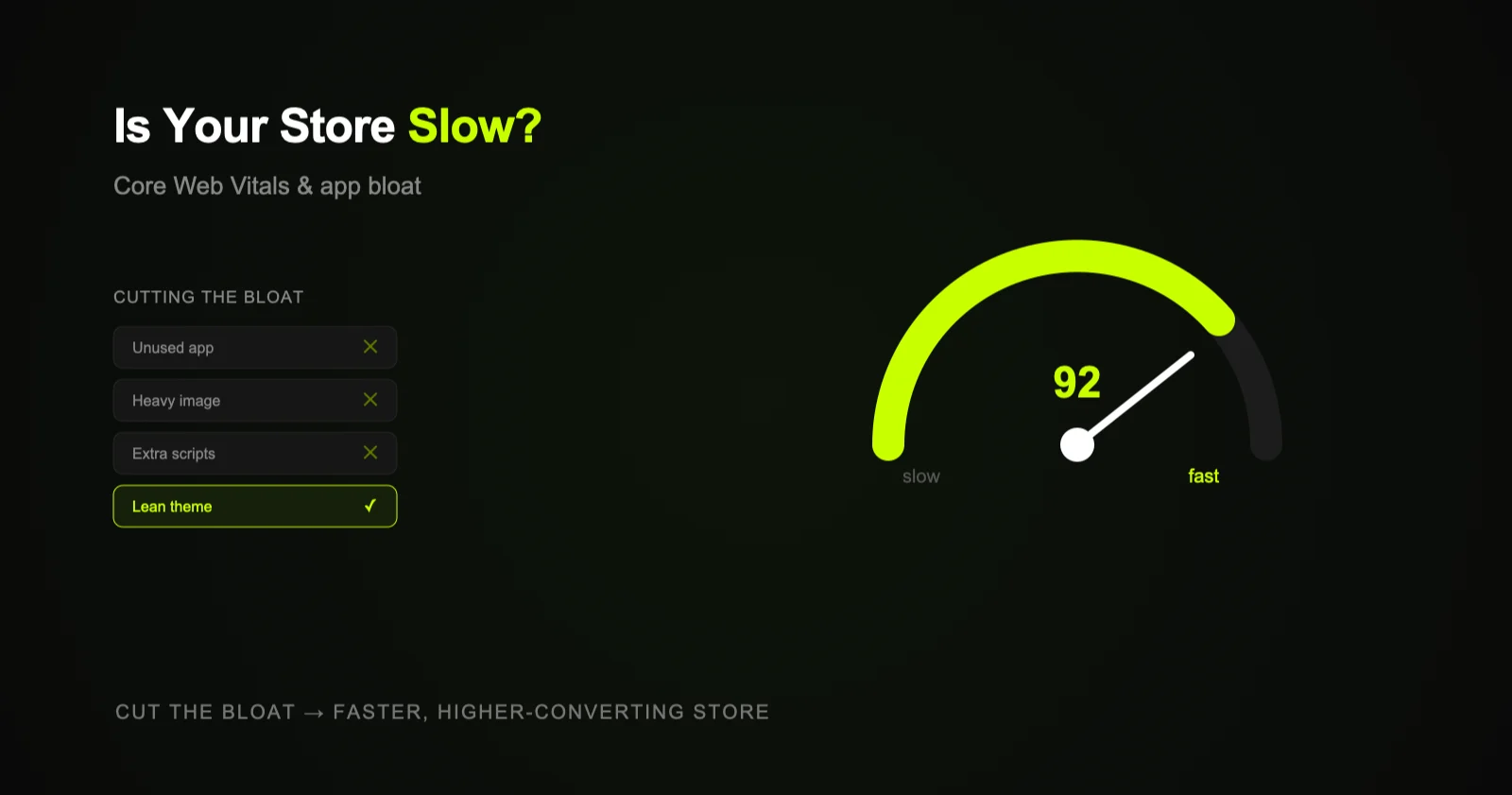
Slow Shopify stores rank worse and convert worse. The usual culprits are app bloat (apps injecting scripts on every page), oversized images, heavy themes, and too many third-party tags. Fixing Core Web Vitals — by cutting unused apps, optimizing images, and trimming scripts — improves both SEO and sales.
Speed is the quiet tax on a lot of Shopify stores. Everything looks fine on your fast laptop and home Wi-Fi, but real shoppers on mid-range phones and patchy mobile connections experience something slower — and they bounce. Worse, Google factors page experience into rankings, so a sluggish store gets hit twice: fewer visitors, and fewer of those visitors converting.
Why speed matters for SEO and sales
Page speed shows up in two places that matter. First, rankings: Core Web Vitals are part of how Google evaluates page experience, and while they won't outweigh great content and links, they're a real tiebreaker — and a slow store undercuts everything else you're doing, including keeping product pages ranking. Second, conversion: shoppers abandon slow pages, and on ecommerce every extra second of load time measurably costs sales. Speed is one of the few fixes that helps traffic and revenue at the same time.
What Core Web Vitals actually measure
- Largest Contentful Paint (LCP) — how quickly the main content loads. On stores, big hero images and product photos are common culprits.
- Interaction to Next Paint (INP) — how responsive the page feels when tapped or clicked. Heavy JavaScript from apps drags this down.
- Cumulative Layout Shift (CLS) — how much the page jumps around as it loads. Late-loading banners, images without dimensions, and pop-ups cause shifts.
These are the metrics to watch in technical SEO audits, and image-heavy, app-heavy Shopify stores frequently struggle with all three.
The usual suspects on Shopify
- App bloat. The biggest one. Many apps inject JavaScript and CSS on every page, even pages where the app does nothing. Install ten apps and you can be loading ten sets of scripts site-wide. Leftover code from uninstalled apps sometimes lingers too.
- Oversized images. Uploading 3000px product photos that display at 600px wastes huge amounts of bandwidth and tanks LCP.
- Heavy themes and sliders. Feature-packed themes, carousels, and auto-playing video add weight most stores don't need.
- Too many third-party tags. Analytics, pixels, chat widgets, reviews, and pop-ups each add requests and scripts that compound.
- Render-blocking resources. Scripts and styles that must load before the page can display delay everything the shopper sees.
The mindset: every app and script is a speed liability until proven otherwise. The fastest stores are deliberately lean — they add features that earn their weight and cut everything that doesn't.
What to cut (and how to speed it up)
- Audit and remove unused apps. Uninstall anything you're not actively using, and check that removed apps didn't leave code behind in your theme.
- Optimize images. Serve appropriately sized images, use modern formats like WebP, and lazy-load below-the-fold media.
- Trim third-party scripts. Keep the tags that drive real value; remove duplicate analytics, unused pixels, and abandoned widgets.
- Choose a lightweight theme. A clean, well-built theme beats a bloated one stuffed with features you'll never use.
- Defer non-critical JavaScript. Let the page render first; load non-essential scripts afterward.
- Measure before and after. Use PageSpeed Insights and field data so you know what actually moved — don't optimize blind.
From bloated to fast
flowchart LR
    SLOW([Slow store]) --> D{Diagnose}
    D --> A[App bloat]
    D --> I[Oversized images]
    D --> T[Theme weight]
    D --> S[Third-party scripts]
    A & I & T & S --> FIX[Cut, compress,
    defer, measure]
    FIX --> FAST([Better CWV →
    rankings & conversions])
    style SLOW fill:#1a1a1a,stroke:#555,color:#888
    style FAST fill:#1a2800,stroke:#C8FF00,color:#C8FF00
    style D fill:#0d0d0d,stroke:#C8FF00,color:#E8E8E8
    style FIX fill:#111,stroke:#C8FF00,color:#E8E8E8
Where to start
Run your store through PageSpeed Insights on mobile and look at your app list honestly — most stores can remove several apps and shave seconds off load time in an afternoon. Then optimize your largest images and trim stray scripts. If you'd like a full speed and Core Web Vitals audit with a prioritized fix list, that's part of Shopify SEO and technical SEO.